From won deal to invoice, without double entry
Connect Upsales and Fortnox. Sales closes the deal, finance gets the right details and everyone sees the same customer data.
Why connect Upsales and Fortnox
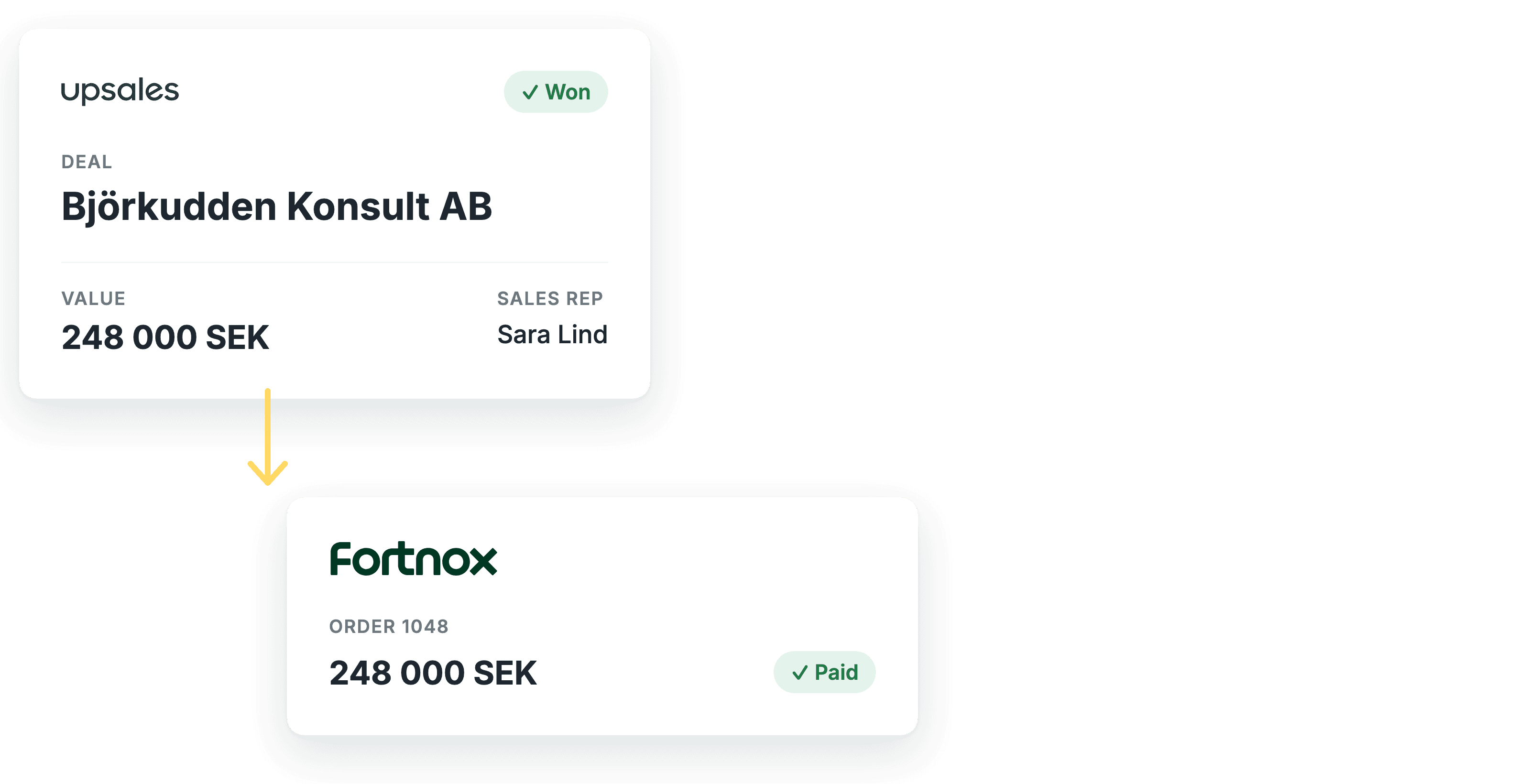
No double entry
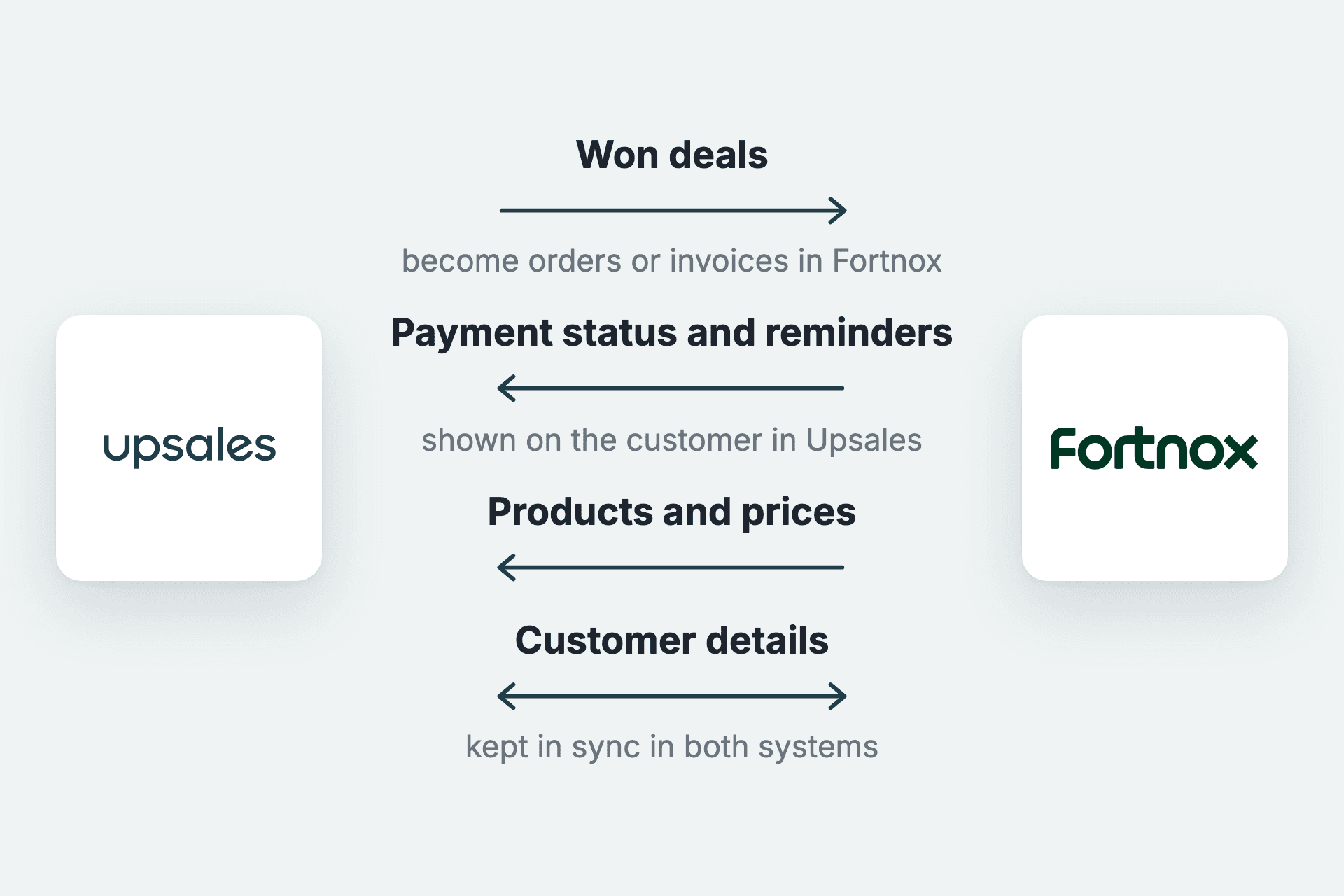
A won deal becomes an order or invoice in Fortnox. Nobody types the same thing twice.
The right details for finance
Products, prices and customer details come from one place, so the invoice is right from the start.
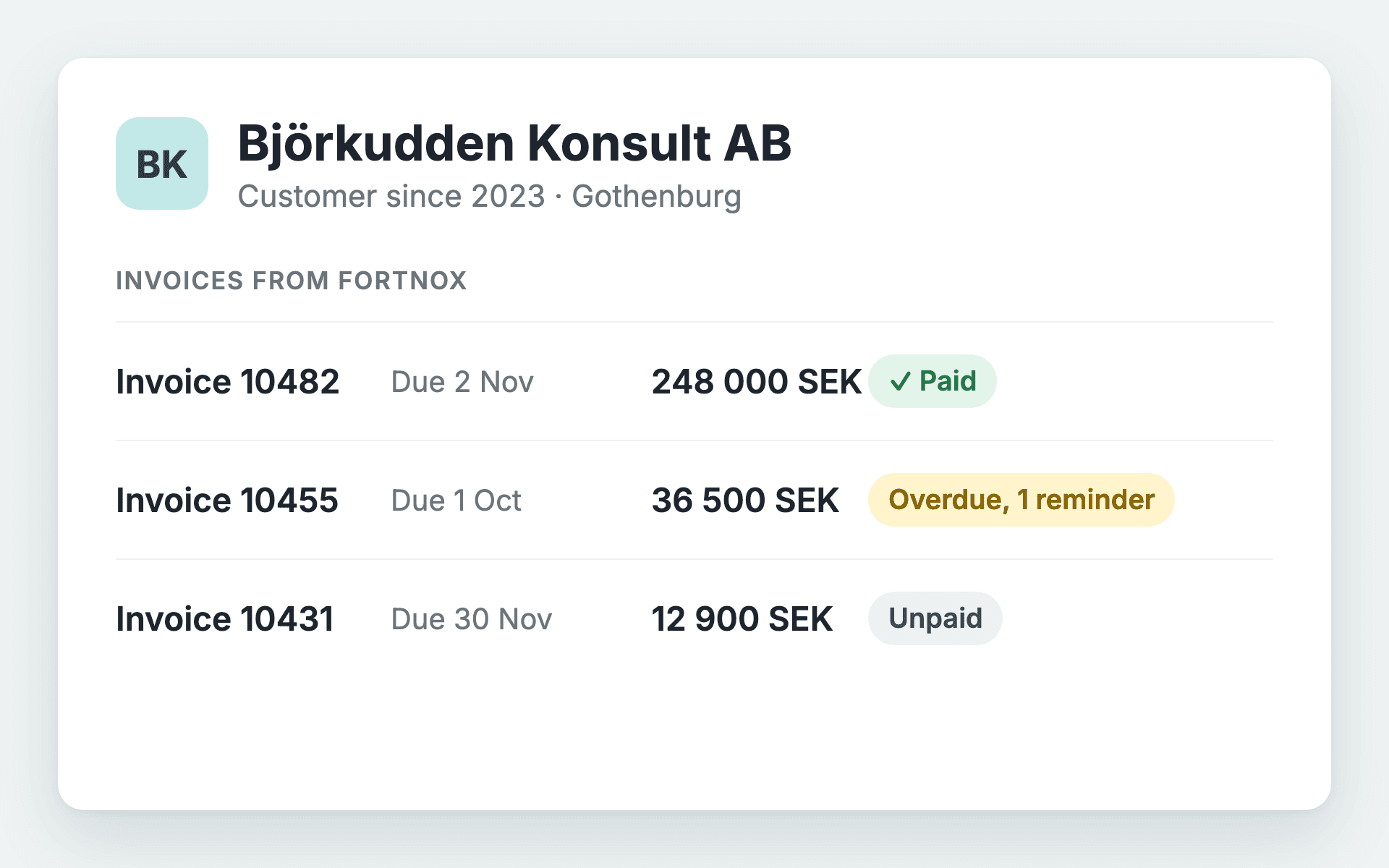
Sales sees who has paid
Payment status and reminders show on the customer in Upsales, ahead of the next call.
Need more? Choose Fortnox Premium
With Premium you control in detail what is transferred, and get support for contribution margin, tiered products and multiple price lists.
How to get started
You need the Fortnox Integration licence. Customers, products, orders and invoices are imported automatically when you connect.
1. Activate the app
Find Fortnox in the app catalogue under Settings in Upsales and click Activate.
2. Log in to Fortnox
Approve the connection with your Fortnox account.
3. Choose how to sync
Choose whether won deals become invoices or orders, at which stage, and which price list applies.
See how Upsales and Fortnox work together for you
Book a demo and we will walk you through the flow from deal to invoice.